# Google Analytics 4 vs. Lightweight Analytics: Why Simpler is Better

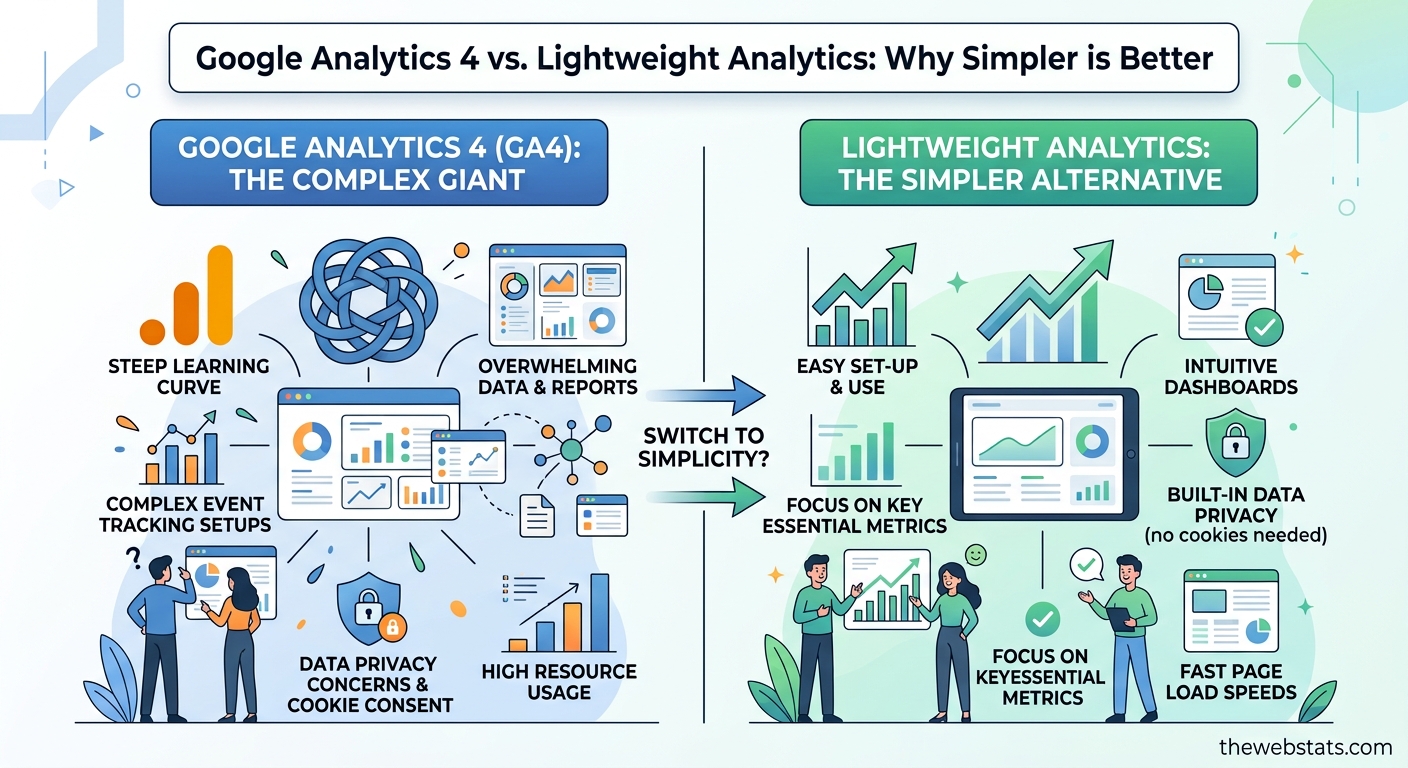
For over a decade, Google Analytics was the default script pasted into every website header. However, since the introduction of Google Analytics 4 (GA4), site owners, developers, and marketers are encountering significant hurdles: complex dashboards, thresholding, and invasive tracking models that require legal consent banners.

If you only need to know **how many people visited your site, where they came from, and which pages convert**, GA4 often feels over-engineered.

Here is why thousands of site owners are switching to lightweight, privacy-focused alternatives—and how to determine if it's the right move for your platform.

---

## The 3 Friction Points of Modern Web Analytics

### 1. The "Cookie Banner" Data Void
GA4 relies on persistent identifiers and browser storage. Under regulations like GDPR, ePrivacy, and CCPA, running GA4 compliantly requires displaying an explicit cookie consent banner.

Studies show that **30% to 50% of visitors reject or close cookie consent banners**. This means if you rely solely on GA4, you are operating with up to half of your actual visitor data missing. Cookieless alternatives capture 100% of your aggregate traffic data without violating user privacy or requiring annoying popups.

### 2. Page Speed & Core Web Vitals Impact
Page load speed directly influences Google search rankings and user conversion rates. Traditional tracking tags load heavy JavaScript libraries that execute multiple network requests.

Lightweight analytics solutions compress tracking code into a tiny footprint (under 2KB)—loading asynchronously without blocking DOM rendering or harming your Core Web Vitals scores.

### 3. Dashboard Overhead
GA4 was built for enterprise data scientists running complex multi-touch attribution models. Finding basic answers—like *"Which referrer drove the most signups yesterday?"*—often requires building custom exploration reports. Lightweight analytics returns to a single-page dashboard where key performance indicators are visible at a glance.

---

## Direct Comparison: GA4 vs. Lightweight Analytics
Here is the comparison table formatted clearly:
## When Should You Keep GA4?

To be fair, lightweight analytics isn't for every single use case. You should stick with GA4 if:
* You run heavy Google Ads remarketing campaigns that require native cross-platform attribution.
* You need deep user-level funnel exploration connected directly to BigQuery data warehouses.
* You are tracking complex mobile app + web user properties across native iOS/Android ecosystems.

However, if your primary goal is to **measure website growth, track campaign referrer performance, and maintain fast load times**, lightweight analytics offers a cleaner, faster path forward.

---

## Upgrading Your Tracking in Under 2 Minutes

Switching to a lightweight analytics platform like **TheWebstats** doesn't require modifying your database schema or setting up complex Google Tag Manager containers.

You simply paste a single lightweight script into your `<head>` tag:
<script
  src="https://www.thewebstats.com/js/wsx.js"
  data-site="YOUR_API_KEY"
  async>
</script>
Once added, real-time pageviews, referral paths, UTM parameters, and device breakdowns begin streaming into your clean dashboard instantly—with zero cookies and zero consent banners required.
Ready for Fast, Accurate Analytics?
Stop losing traffic metrics to cookie banners. Start tracking your website with TheWebstats today - setup takes less than two minutes.