How to Control Your Website Stats Directly from Your AI Workspace with TheWebstats MCP.
Checking your website traffic usually means logging into a separate dashboard, filtering dates, and digging through charts to find simple answers. But as AI assistants like Claude, ChatGPT, and Cursor become central workspaces for business owners and developers, a new question arises: Why can't your AI assistant just read your website data for you?
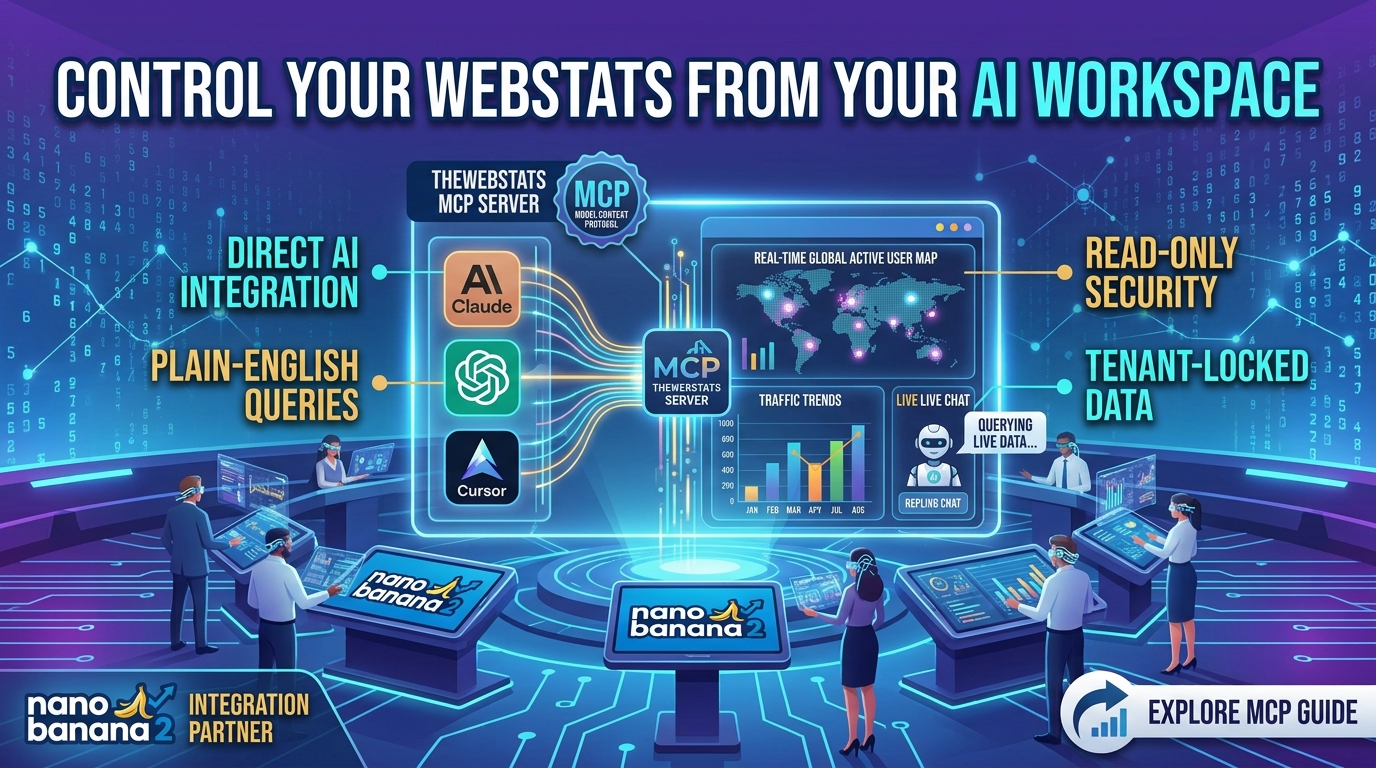
With TheWebstats Model Context Protocol (MCP) server, it can. You no longer need to break your workflow or decipher graphs. Instead, you can literally ask your stats for the exact information you need in plain English.
What is TheWebstats MCP?
The Model Context Protocol (MCP) is an open standard that allows AI models to safely interact with external data sources and tools. TheWebstats provides a free MCP server that acts as a bridge between your live web analytics dashboard and your AI client.
By connecting them, your local AI assistant gains context-aware access to your website performance, chat history, and platform metrics.
How It Changes the Way You Look at Web Data
Instead of manually building spreadsheets or navigating nested tabs, you can open your AI client and prompt it naturally.
| Traditional Dashboard Review | TheWebstats MCP Workflow |
|---|---|
| Log in, change date filters, export to CSV. | Ask: "How many visitors did my site get this week?" |
| Manually count missed customer chat messages. | Ask: "Any unread live chats from the last 24 hours?" |
| Guess why checkout traffic dropped on mobile. | Ask: "Compare mobile traffic drop-offs from yesterday versus last Monday." |
Security First: Tenant-Locked and Read-Only
When connecting AI to your infrastructure, security is paramount. TheWebstats built its MCP integration with a strict security framework:
- Completely Read-Only: The API keys provided for MCP can only read metrics. An AI assistant cannot create, change, delete, or alter any data or configurations on your website.
- Tenant-Locked Protection: Your specific key isolates the data. The AI can only ever access the sites linked to your distinct account, keeping your workspace private and contained.
- Control and Flexibility: Keys are free, rate-limited for safety, and can be instantly revoked or expired from your dashboard at any point.
Setting Up in Under 60 Seconds
Integrating the protocol requires zero server configurations or npm build steps. If you use an MCP client like Claude Desktop, you simply add a small snippet to your configuration file:
json
{
  "mcpServers": {
    "thewebstats": {
      "url": "https://thewebstats.com",
      "headers": {
        "Authorization": "Bearer YOUR_MCP_KEY"
      }
    }
  }
}
Once pasted, your AI assistant immediately inherits the ability to parse your site traffic on demand. (Note: For legacy scripts or models that skip the protocol entirely, a plain REST/JSON API is also available).
Start Conversing with Your Data
Web analytics shouldn't feel like a chore. By pairing TheWebstats real-time tracking with an MCP-ready workspace, you save time, make data-driven marketing decisions faster, and easily monitor your leads right from the command line.
Register your free account : Thewebstats - Registration